The Song Needs a Home Between Sessions. So I Built Take.
Stems in Drive, notes in Discord, voice memos in a text thread. Take gives the song one project, with mix notes pinned to the second and a REAPER panel.
Somebody texts you that the snare’s too loud in the second chorus. Which mix? The one from Tuesday, the one you bounced after you fixed the bass, or the one in a Drive folder called FINAL_v3_actual? The stems are in Drive, the notes are in a Discord thread from two weeks ago, and the singer’s idea for the bridge is a voice memo buried in a group text. Nobody’s completely sure which rough everybody’s listening to, because the song itself doesn’t live anywhere.
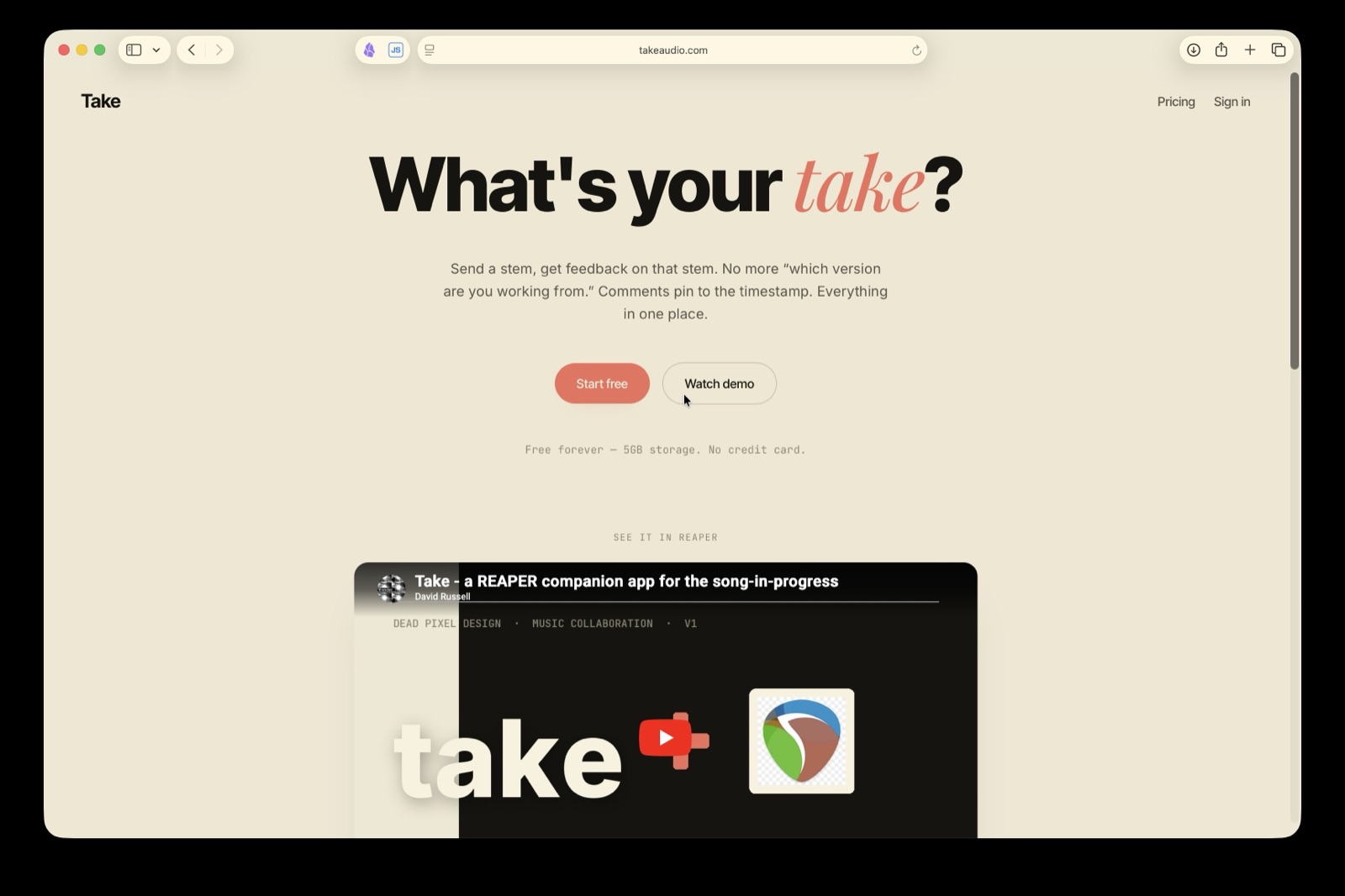
Take is where it lives. It’s a music collaboration app for people making a song together from different places: bands trading parts, producers working with artists, mix engineers and their clients. It’s at takeaudio.com, and I built it here at Dead Pixel Design.
The file isn’t what you’re collaborating on
Most music collaboration tools pitch the same things. Faster sharing, bigger uploads, a nicer player. All useful, and all of it is Drive with a play button, which is how you ended up with FINAL_v3_actual in the first place.
You aren’t collaborating on a file. You’re collaborating on a song, and every stem, every rough mix, every note and every “what if the bridge was half as long” belongs to it. So in Take the project is the container. You make a project for the song, invite the people you’re making it with, and the stems, the roughs and the whole conversation stack up under it instead of scattering across four apps.
Mix notes that know which second you mean
“Around 1:40, second chorus I think” is how a mix note reads when it lives in a text message, and half the time the person reading it has a different bounce open.
In Take you play the current rough and drop a note, and it pins to that exact second. A note can sit on the rough at a timestamp, on a single stem at a timestamp, on a stem as a whole (“this bass take is too clean”), or on the project in general. Somebody opening the project a week later finds it right where you left it, on the version you were talking about.
On the paid plan you can record a voice memo instead of typing, because some ideas are faster to hum than to describe. You can also propose a cut or a loop. Select a region and mark it to be skipped, or mark it to repeat, and the rough plays back with your change so the other person hears the arrangement idea instead of reading about it. The audio file never changes. The cut or loop is a playable suggestion attached to your comment, and whoever owns the mix decides whether to actually make it in their DAW.
Take isn’t a DAW, on purpose
Take plays one bounced stereo file at a time, the rough mix somebody rendered and uploaded. It doesn’t stack your stems and try to play them back together in a browser.
Stacking stems in a browser means rebuilding an audio engine (sync, latency, sample rate mismatches, drift, gain staging), and even if you get all of that right you’ve thrown away everything that makes a mix sound like a mix. The bus compression, the master chain, the automation, the one half-broken plugin that’s secretly doing all the work. None of it survives. The bounce is the thing people actually listen to, so the bounce is what Take plays.
The stems are still there underneath for anybody who wants to pull them into their own session. Take keeps the original file you uploaded (wav, aiff, flac or mp3), streams a compressed copy so playback starts fast even on a phone, and draws a waveform so you can see where the notes sit.
Nothing gets deleted
New stems never replace old ones. Upload a new bass take and it sits next to the last one. Upload a new rough and it becomes the current one, while the older bounces stay in the history. Anybody on the project can upload stems or a new rough, since mixing duties tend to pass around over the life of a song.
The moment two people can delete each other’s work, you have to build permission screens to stop them, and permission screens are exactly the kind of friction that sends everybody back to texting files. So Take keeps everything. History goes back 30 days on the free plan and 12 months on paid.
The REAPER panel
If you mix in REAPER, Take docks inside it. The panel installs through ReaPack, and from there you can pull a collaborator’s stem onto your timeline, where it lands on a new track at the timecode it was uploaded with. No lining up waveforms by ear. Select a track and render it up to the project as a new stem, or render the master and it becomes the project’s new rough in one click. You can read the project’s notes, jump your edit cursor to one, drop a REAPER marker on it, post a note at the edit cursor, and record a voice memo without touching anything on your timeline.
Without it, the gap between getting the email and working on the part is ten minutes of downloading, unzipping, renaming tracks and dragging files around. With the panel it’s one click, and you never leave the session.
REAPER came first because the integration is realistic there, and REAPER people already install ReaPack scripts without thinking twice. If you’re on Ableton, Logic or Pro Tools, the web app works with your DAW anyway, because everything in Take is bounced audio. Export, upload, download somebody else’s stem and mix wherever you want. The docked panel is REAPER only for now, and there’s a full walkthrough on the REAPER collaboration page.
Clients don’t need an account
A mix client isn’t going to make an account to leave three notes. So the project owner can share a review link instead. The person on the other end types their name, listens to the current rough and leaves timestamped notes, and that’s all they can do. They can’t upload anything, can’t pull stems and can’t see who else is on the project. If they end up wanting an account, making one keeps the notes they already left. The owner can turn the link off any time.
Invited collaborators get the full project, and they get an email when a note, a stem or a new rough lands, so nobody has to keep checking.
When the song’s done
Most tools let a finished song die quietly in a folder. Every Take project has a wrap page: the final rough in a player, the stems, and a credit for everyone who worked on it, using the name each person set on their profile. It stays private until the owner makes it public. The owner can also download a zip of the final rough along with a file of the credits and the notes left on the mix.
What it costs
Free covers the web app: uploads, text comments, 5GB of storage and 30 days of history. Paid is $8 a month and adds the REAPER panel, voice memos, cut and loop, 100GB of storage, 12 months of history and public wrap pages. Every new account gets the paid features free for 14 days, no card. Storage stays at 5GB until you actually subscribe.
Only the project owner pays. Everyone invited to that project gets the paid features on it, so one person paying unlocks the REAPER panel for the whole band.
Why a web design shop built a music app
Dead Pixel Design mostly builds websites and web apps for businesses here in Maine. I’m also an audio engineer and I make instrumental metal as Wretcher, and Take came out of that side of the shop. It’s the same kind of work I do for clients, just pointed at my own problem: a custom web app with accounts, billing, file storage, email notifications and a desktop integration, built and run by one person in Houlton.
Take is at takeaudio.com, and the free plan doesn’t expire.
FAQ
What is Take?
Take is a music collaboration app. Each song gets a project, and the stems, rough mixes, timestamped comments and voice memos for that song all live inside it. There’s a web app that works with any DAW and a panel that docks inside REAPER.
Is Take a DAW?
No. Take plays one bounced stereo file at a time and never touches your mix. The mixing happens in your DAW. Take is where the song and the conversation about it live between sessions.
Does Take work with Ableton, Logic or Pro Tools?
Yes, through the web app, because Take moves bounced audio. Export from your DAW, upload it, and download anyone else’s stems. The panel that docks inside the DAW and moves audio for you is REAPER only right now.
Do my collaborators have to pay?
No. The project owner pays $8 a month, and everyone invited to that project gets the paid features on it.
Can a client leave feedback without making an account?
Yes. The project owner can share a review link. The client types a name, listens to the current rough and leaves timestamped notes. They can’t upload, pull stems or see who else is on the project.
What audio formats can I upload?
Wav, aiff, flac and mp3. Take keeps the original file, streams a compressed copy for listening, and the REAPER panel pulls the original when you import a stem.
Keep reading.
How to Use Claude to Mix in REAPER
A plain chat window can't touch your REAPER session. Connect an agent to Reaper Daemon and it can read the project, measure the audio, and make undoable moves.
REAPER MCP Servers Compared, 2026
An honest look at the main REAPER MCP servers in 2026: how each connects, what it measures, what it needs, and where each one wins. Includes our own.
Quantized Drums Are a Tell. Here's What Actually Fixes Them.
Programmed drums sound fake because they're perfect. Real drumming is velocity, timing drift, and fatigue. Feel is an engineering problem, not a preset.