Song Visualizer
Free, open source Claude Code plugin that turns a song into a visualizer drawn entirely in code. No AI image generators, no stock footage. 16:9 and vertical.
/plugin marketplace add wretcher207/song-visualizer /plugin install song-visualizer@song-visualizer Inputs
- WAV file
- a written brief
Outputs
- 16:9 video
- vertical video
- thumbnail
- vertical cover
A Claude Code plugin that makes a music visualizer for a song. Everything on screen is drawn in code and rendered frame by frame to video with HyperFrames. There are no AI image or video generators in it and no stock footage.
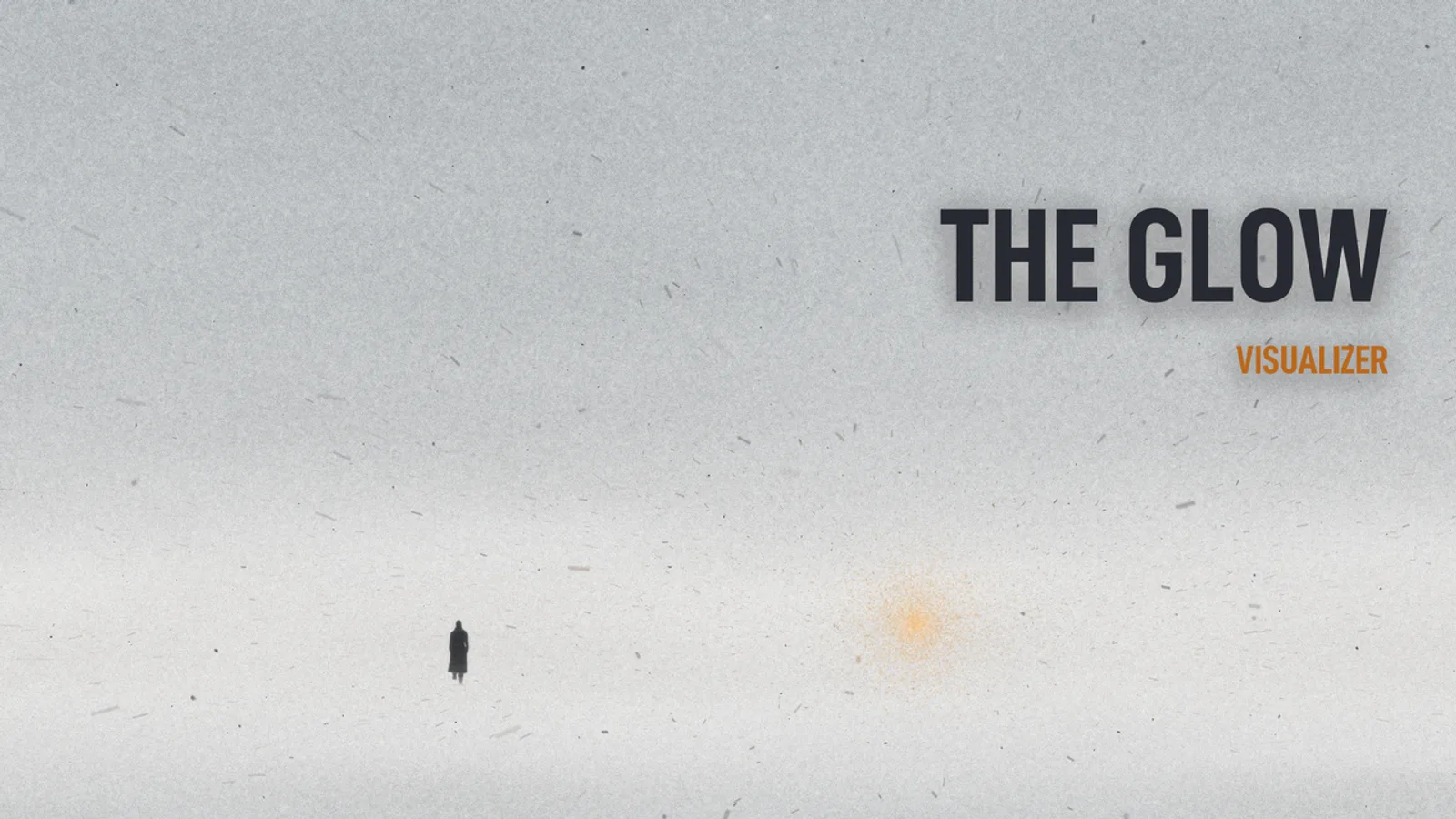
Free and open source, MIT licensed. It’s the workflow I built for the visualizers on ayin hara’s EP an elegy, four songs set in and around Houlton, Maine. The still at the top of this page is from one of them.
It isn’t a one-click button
You write a brief, approve key frames, and watch a preview of the hardest part of the song before the full build starts, because a visualizer that looks like every other visualizer is what you get when nobody decides anything.
How a project runs
- New project. Point it at a WAV and give it a title. It copies its own tools into the project folder, so the project keeps working whatever happens to the plugin later.
- The brief. Claude asks about the song and the world it lives in. Your answers become
BRIEF.md. - Measure the song. It reads the audio into per-frame tables for energy, bass, mids, highs, hits and beats, finds where instruments come in and drop out, and pins cues to the exact frame a sound starts. That includes the hit that doesn’t come, like the moment the hats stop.
- Build the world. A starter scene renders on day one: snow falling toward a warm light, gusting on the kick. You and Claude replace it with yours. The engine has 3D snow, dust and ash on the GPU, paper, charcoal and pencil marks, hand-drawn line wobble and film grain.
- Key frames. Stills go up on a review page and you mark each one ok or work, with a note.
- Preview. Ten to fifteen seconds of the hardest stretch, rendered for real with sound.
- Full build. 16:9 and vertical renders. Every frame gets checked for black frames, freezes, flashes and one-frame glitches, and fixes get patched into a short window instead of a full re-render. Then the share and phone copies, a thumbnail and a vertical cover.
What it costs you
Machine time, and taste. The renders are slow on a normal computer, and the tool can’t care about your song for you. It can make sure you’ve decided what the song looks like before an hour of rendering goes into it.
If you’d rather have the visualizer made for you, that’s video production.
Install Song Visualizer
- Step 1 Add the plugin
In Claude Code, run the two commands at the top of this page. Or clone the repo and start Claude with --plugin-dir pointing at it.
- Step 2 Let it check your machine
It needs Python 3.10 or newer with a few audio libraries, ffmpeg, and Node.js 20 with pnpm. Claude runs a setup check that names anything missing and the command that fixes it.
- Step 3 Hand it a song
Ask Claude to make a visualizer for your song and give it the WAV. It starts a project folder with its own copy of the tools.
- Step 4 Write the brief
Claude asks about the song, the place, what is always in frame and what never is, the look, and where the song turns. Your answers become the brief.
- Step 5 Approve, then build
You mark key frames ok or work, watch a short preview of the hardest stretch, and only then does the full render start.
Common questions
Is it free?
Yes. It's MIT licensed and the source is on GitHub. HyperFrames, which renders the frames to video, is free and open source too.
Does it use AI image or video generators?
No. Everything on screen is drawn in code, JavaScript on canvas and WebGL. Claude helps you write that code and direct it, but no picture comes out of an image model and there's no stock footage.
How long does a render take?
A full 1080p render of a four-minute song runs about 70 to 80 minutes on a 4-core CPU, per aspect. The frames take 8 to 16 GB of disk per aspect until you accept the cut.
Does it upload my song anywhere?
No. The tools run on your machine and write files into your project folder. Review pages stay local unless you ask Claude to publish them as private Claude artifacts, and then the clips on them carry the song's audio.
Will it make a good video by itself?
No, and it isn't trying to. It pushes you toward a strong brief and checks every frame for glitches, but the result is only as good as the direction you give it.